Top Universal Remote Control Tips for Simplifying Your Home Entertainment Experience
In today's fast-paced world, home entertainment has become an essential part of our daily lives, making it crucial to have an efficient system in place. With the multitude of devices that are often part of a typical setup—a TV, streaming devices, audio systems, and more—the need for a solution that simplifies control has never been more apparent. This is where the universal remote control comes into play, offering a streamlined approach to managing your entertainment experience.
By consolidating multiple remotes into one device, a universal remote control can dramatically reduce clutter and eliminate the frustration of juggling different remote controls. However, to truly maximize its potential, users must be aware of effective tips and tricks that can enhance usability. From programming shortcuts to learning functions, these insights will empower you to take full advantage of your universal remote and create a more enjoyable and hassle-free home entertainment environment.
In this article, we will explore top universal remote control tips that will help you navigate through the complexities of your entertainment system effortlessly. By implementing these strategies, you can ensure that your viewing experience is not only simpler but also more enjoyable, allowing you to focus on what really matters—immersing yourself in your favorite shows and movies.
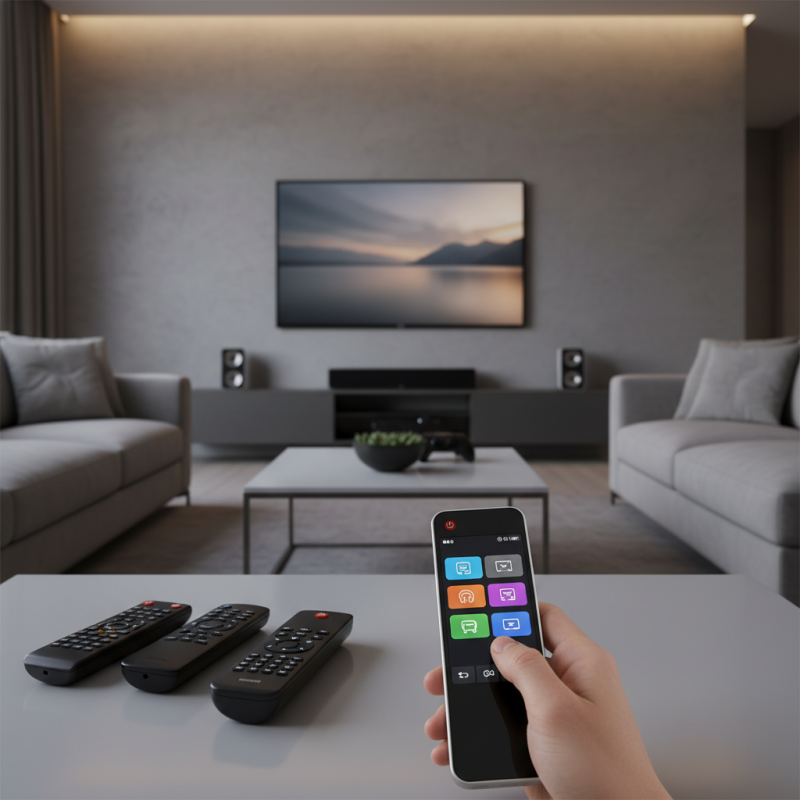
Understanding the Benefits of Using a Universal Remote Control
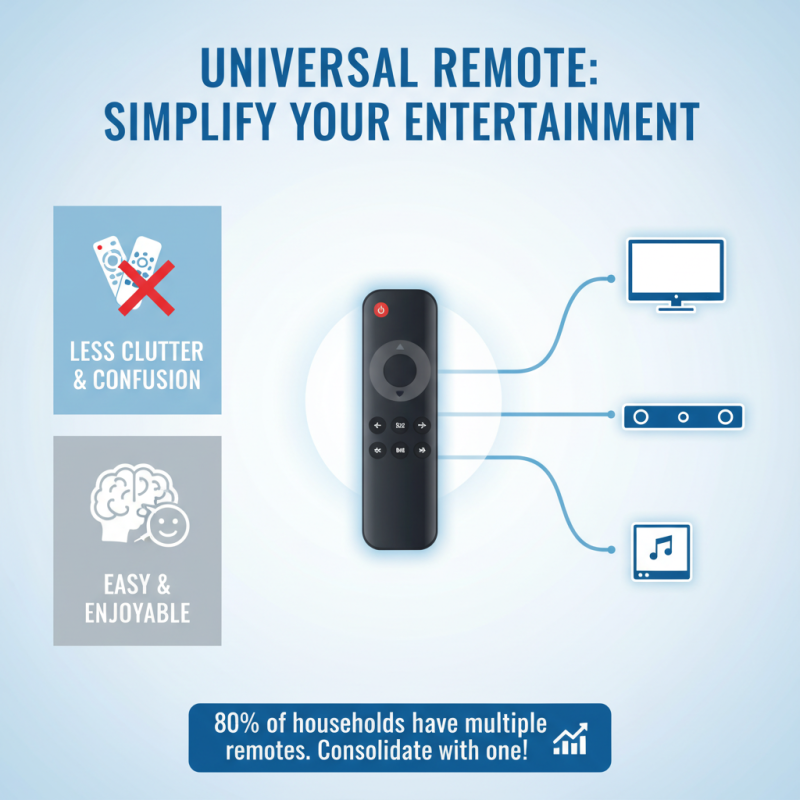
Using a universal remote control can significantly enhance your home entertainment experience by streamlining the operation of various devices. According to a report from the Consumer Electronics Association, nearly 80% of households own multiple remote controls, which can lead to clutter and frustration. A universal remote consolidates the functions of all devices—TVs, sound systems, streaming players—into a single, user-friendly interface. This simplicity not only reduces the physical space taken up by multiple remotes but also minimizes the cognitive load on users, allowing for a smoother transition from one activity to another, such as watching a movie or listening to music.
Moreover, the integration of smart technology into universal remotes has made them even more beneficial. Research indicates that 60% of consumers find it easier to manage their entertainment devices through a smart universal remote compared to traditional remotes. These remotes often come equipped with programmable features, enabling users to create customized settings for specific activities or preferences. The result is a more personalized and efficient home entertainment environment, where users can enjoy their favorite media without the complications posed by numerous devices and remotes.
Key Features to Look for in a Universal Remote
When selecting a universal remote control, several key features can significantly enhance your home entertainment experience. One of the most critical aspects to consider is compatibility. According to a recent industry report from Grand View Research, the global universal remote control market size was valued at approximately $2.26 billion in 2021 and is expected to grow at a CAGR of 5.5% through 2028. This surge underscores the importance of ensuring your universal remote is compatible with a wide range of devices—including TVs, streaming devices, and sound systems. Look for a remote that supports a broad spectrum of protocols to cover both older and newer technologies seamlessly.
Another essential feature is user-friendly programming. Remotes that offer one-touch programming or smartphone apps for setup are particularly valuable, as they simplify the initial installation process. Research from the Consumer Technology Association indicates that 70% of consumers expressed frustration with complex remote controls, highlighting the demand for more intuitive solutions. Additionally, ergonomic design and backlit buttons are crucial for usability, especially in low-light environments. A remote that is easy to navigate ensures that viewers can enjoy their media without unnecessary hassle, making it an essential consideration in today’s multifaceted home entertainment landscapes.
Top Universal Remote Control Tips for Simplifying Your Home Entertainment Experience
| Feature |
Description |
Importance |
| Number of Devices Supported |
How many devices can be controlled by the remote. |
High - More devices mean less clutter. |
| Programmability |
Ability to customize buttons and layouts. |
Medium - Broadens usability according to user preference. |
| Learning Function |
Capability to learn remote functions from other remotes. |
High - Useful for integrating different brands. |
| Backlit Buttons |
Illuminated buttons for low-light environments. |
Medium - Enhances usability at night or in dark rooms. |
| Smart Home Integration |
Compatibility with smart home devices and platforms. |
High - Centralizes control of all smart devices. |
| Ergonomics |
Comfort and ease of use in hand. |
Medium - Improves user satisfaction during prolonged use. |
Step-by-Step Guide to Programming Your Universal Remote
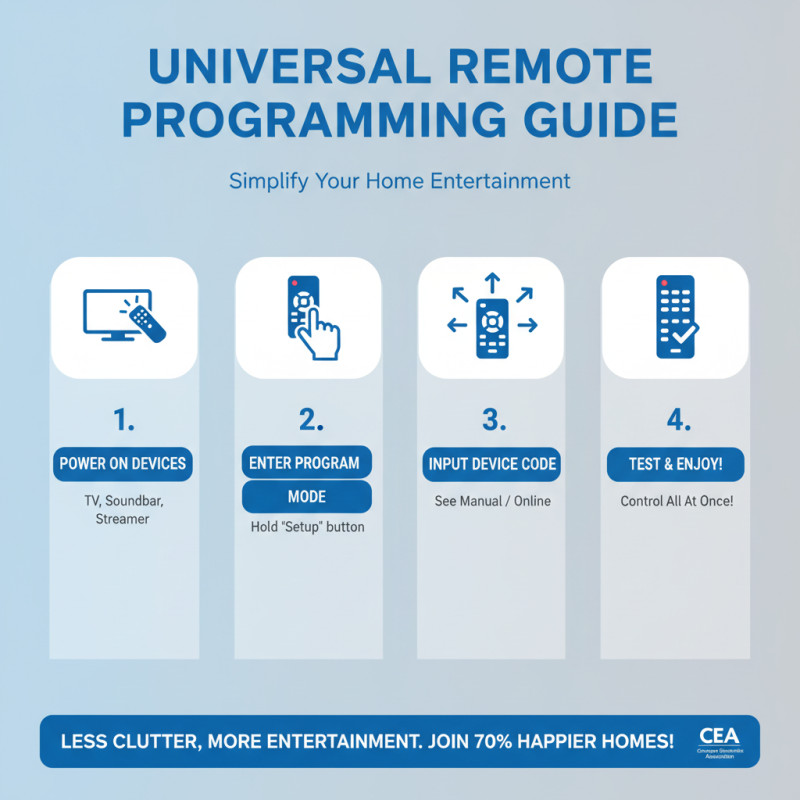
Programming a universal remote can significantly streamline your home entertainment experience, making it easier to manage multiple devices with a single control. According to a report by the Consumer Electronics Association, nearly 70% of households find it frustrating to juggle remotes for their TVs, sound systems, and streaming devices. By following a step-by-step guide to programming your universal remote, you can minimize this hassle.
Start by gathering all the remote controls for the devices you want to consolidate. Most universal remotes come with a manual that includes a code list for various brands. Once you have your devices handy, switch on the device you want to program, press the “set” button on the universal remote, and enter the designated code. If the device reacts, you're on the right track. If not, try the next code listed. Remember that it might take a few attempts as some devices can be tricky.
Tips to enhance your experience include labeling your universal remote buttons for easy navigation and creating shortcuts to frequently used features, such as Netflix or Hulu. Moreover, consider utilizing online databases or manufacturer websites, which often provide additional programming support and updated codes. Embracing these strategies not only simplifies your setup but also enriches your viewing experience by making it more intuitive and enjoyable.
Optimizing Your Home Theater Setup with a Universal Remote
When it comes to optimizing your home theater setup, a universal remote can be a game changer. According to a study by the Consumer Technology Association, 80% of consumers report using multiple remotes for their home entertainment systems, which can lead to frustration and clutter. A universal remote simplifies this by consolidating your control into a single device, allowing for seamless navigation between your television, streaming devices, sound systems, and gaming consoles.
To make the most of your universal remote, start with a strategic layout of your devices. Position them within line of sight to the remote's infrared sensors, as this will improve the responsiveness and range of your commands. Moreover, programming routines, such as a "Watch Movie" button, can enhance your experience; research indicates that users who customize their remotes with macros report a 30% increase in satisfaction with their home entertainment systems. Not only does this enhance convenience, but it also significantly reduces the time spent fiddling with multiple remotes, allowing you to enjoy your favorite media uninterrupted.
Universal Remote Control Features Utilization
Common Troubleshooting Tips for Universal Remote Users
In today’s home entertainment landscape, universal remote controls have become essential tools for managing multiple devices seamlessly. However, users often face challenges when setting up their remotes or when devices don’t communicate as expected. According to a report from the Consumer Electronics Association, approximately 30% of users encounter setup issues, highlighting the importance of effective troubleshooting tips.
One effective tip for resolving common issues is to ensure the remote is properly programmed to your devices. Start by checking that you are using the correct codes, which can typically be found in the remote's manual or the manufacturer's website. If the remote is unresponsive, try replacing the batteries with fresh ones. Many remotes operate on infrared signals, so make sure there are no obstructions between the remote and the device it controls.
Another troubleshooting tip is to reset your universal remote if it becomes unresponsive or fails to connect to your devices. This can often solve common glitches. To reset, remove the batteries and press all the buttons for about 10 seconds before reinserting new batteries. This simple step can restore functionality for many users, according to a survey conducted by industry experts, which indicated that nearly 40% of remote issues could be resolved with a reset. By implementing these troubleshooting strategies, you can enhance your home entertainment experience significantly.